Back up and export your data
Download one backup file with every event, plus CSV and PDF exports for budgets, bars, floor plans and more.
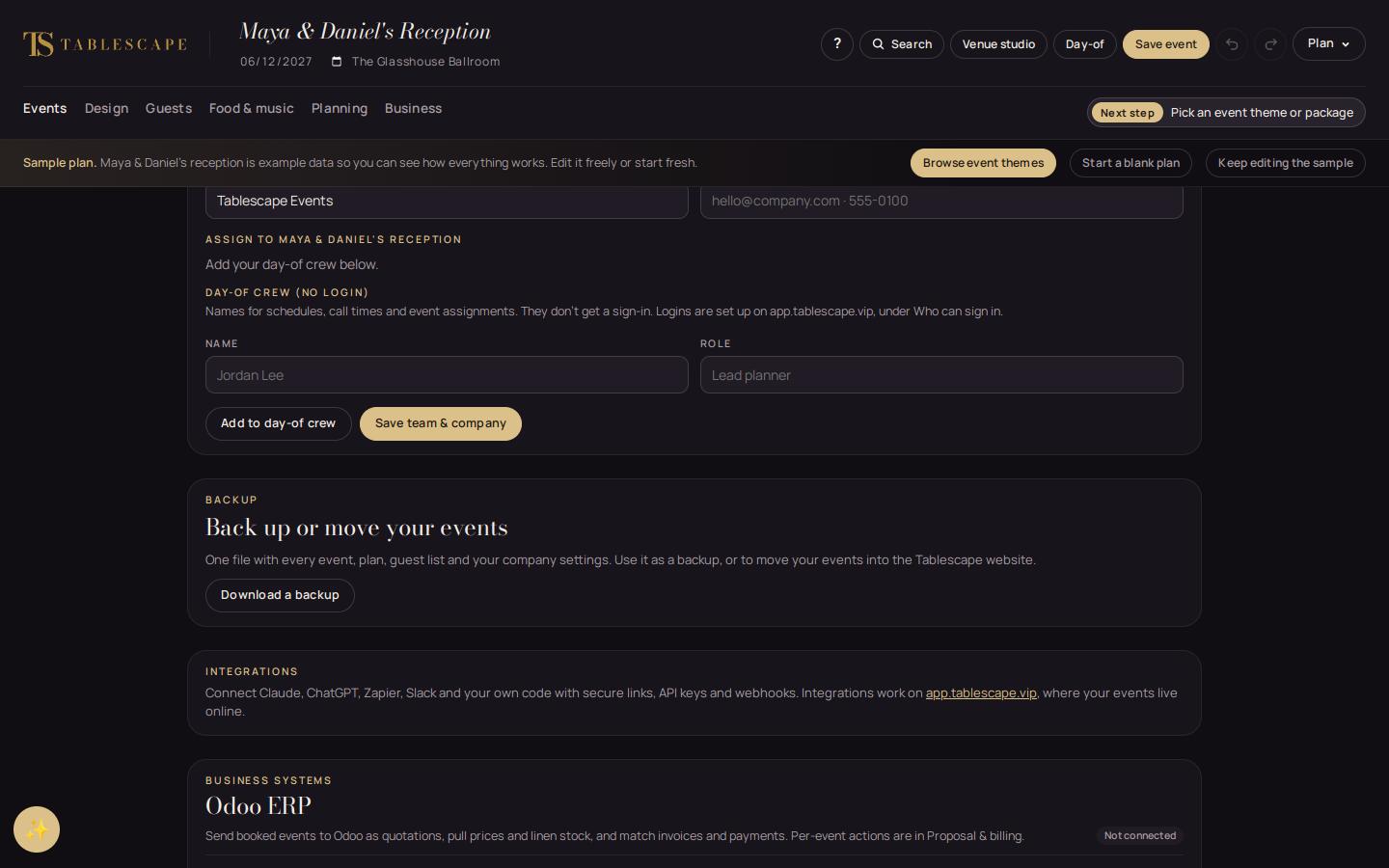
A full backup
Events Backup: Download a backup saves one file with every event, plan, guest list and your company settings. Use it as a backup, or to move events between workspaces. Only owners and admins can download it.
Exports by screen
- Floor plan: PDF or PNG.
- Invitations and stationery: PDF, PNG or SVG, and the full suite as one PDF.
- Budget: copy as text or CSV.
- Bar shopping list: CSV.
- Proposal: PDF. BEO and day-of packet: PDF. Kitchen and plating sheets: PDF.
- Calendar: a file for any calendar app.
- Odoo import files: CSV.
When a trial or plan ends
When a trial or paid plan ends, your workspace moves to Free and keeps everything. Free includes one active event at a time and one user. Your other events stay viewable and exportable until you subscribe or archive them. Nothing is deleted because a trial or plan ended.
Good to know. You own your designs and client details. We host and process them only to run the service.