What your client sees on their link
The client link opens a simple page on any phone: overview, design, menu, guests and venue, plus the proposal, contract and payments.
Every saved event has a private client link. Copy it with Copy client link on the event or the proposal, or send it with Save and send. Your client needs no account and no app.
What they can do
- See the overview, the design (including turning their table in 3D), the menu, their guests and the venue.
- Choose their dinner from your menu catalog.
- Manage their own guest list and send invitations from their phone. Their additions, meal changes, renames and removals reach your guest list, and you see each one in the activity.
- Approve each area or request changes.
- Sign the agreement and see How to pay once it is signed.
- Fill in the Final details form and message you in Messages.
On a phone, the client's six tabs (Proposal, Approvals, Contract, Payments, Messages, Final details) sit in a 3 by 2 grid so nothing is hidden.
What they never see
Your profit, expenses and cost rates, linen stock counts, the private reason for a discount, and anything marked team only.
Language
The page opens in the client language you set on the proposal, or their phone's language. An EN and ES switch sits in the header. An English phone gets a one-time question if Spanish might suit them better.
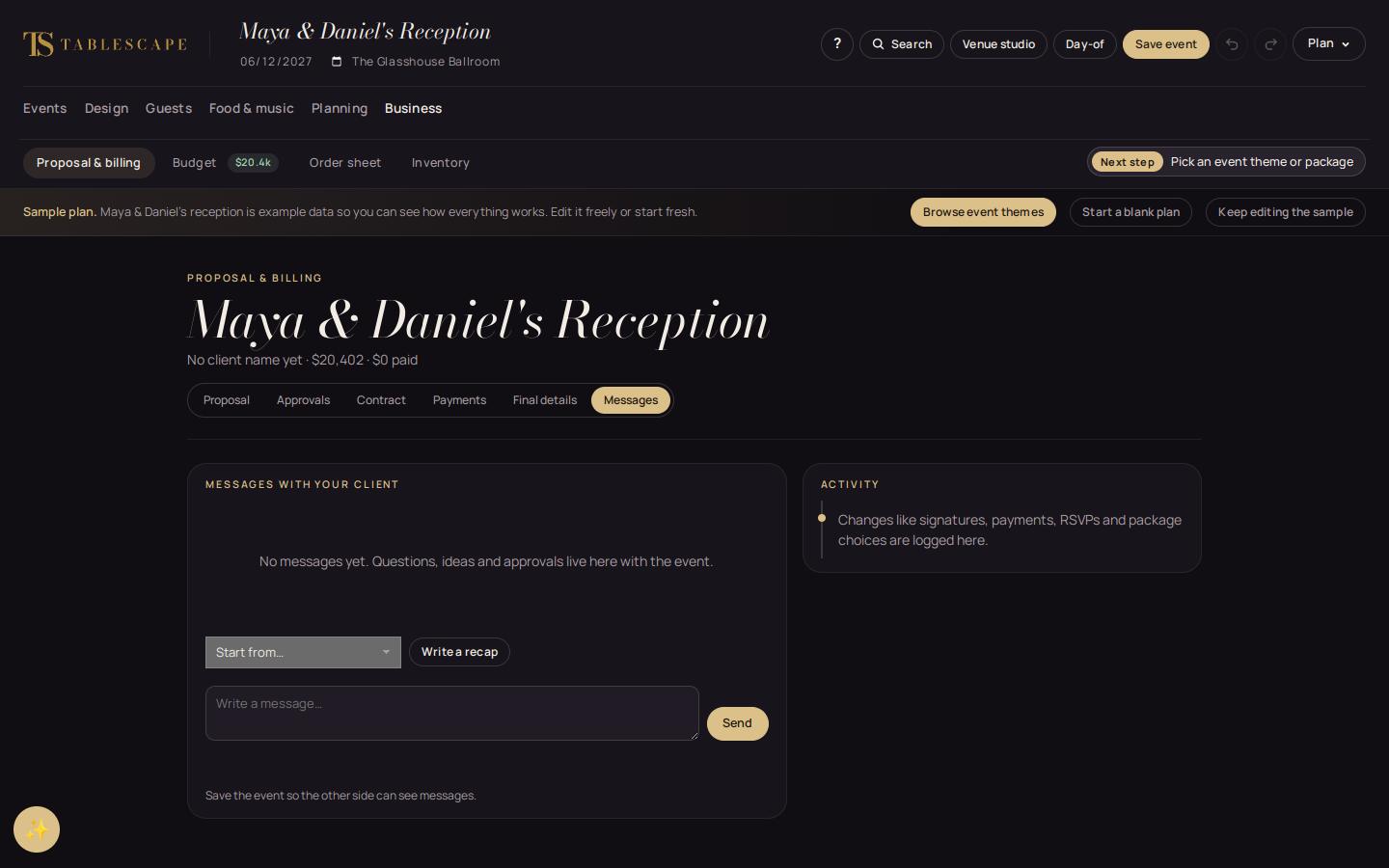
Messages
Messages stay with the event. Start from a ready message (welcome and next steps, payment received, a friendly payment reminder, final guest count, confirm the tasting, week-of check-in, thank you and review) or write your own. Signatures, payments, RSVPs and package choices are logged under Activity.