Draw a floor plan and seat your guests
Drag tables and room features onto the plan, check the counts, auto-seat guests and export a PDF.
The floor plan is drawn to scale. Grid squares are 1 ft, with bold lines every 5 ft.
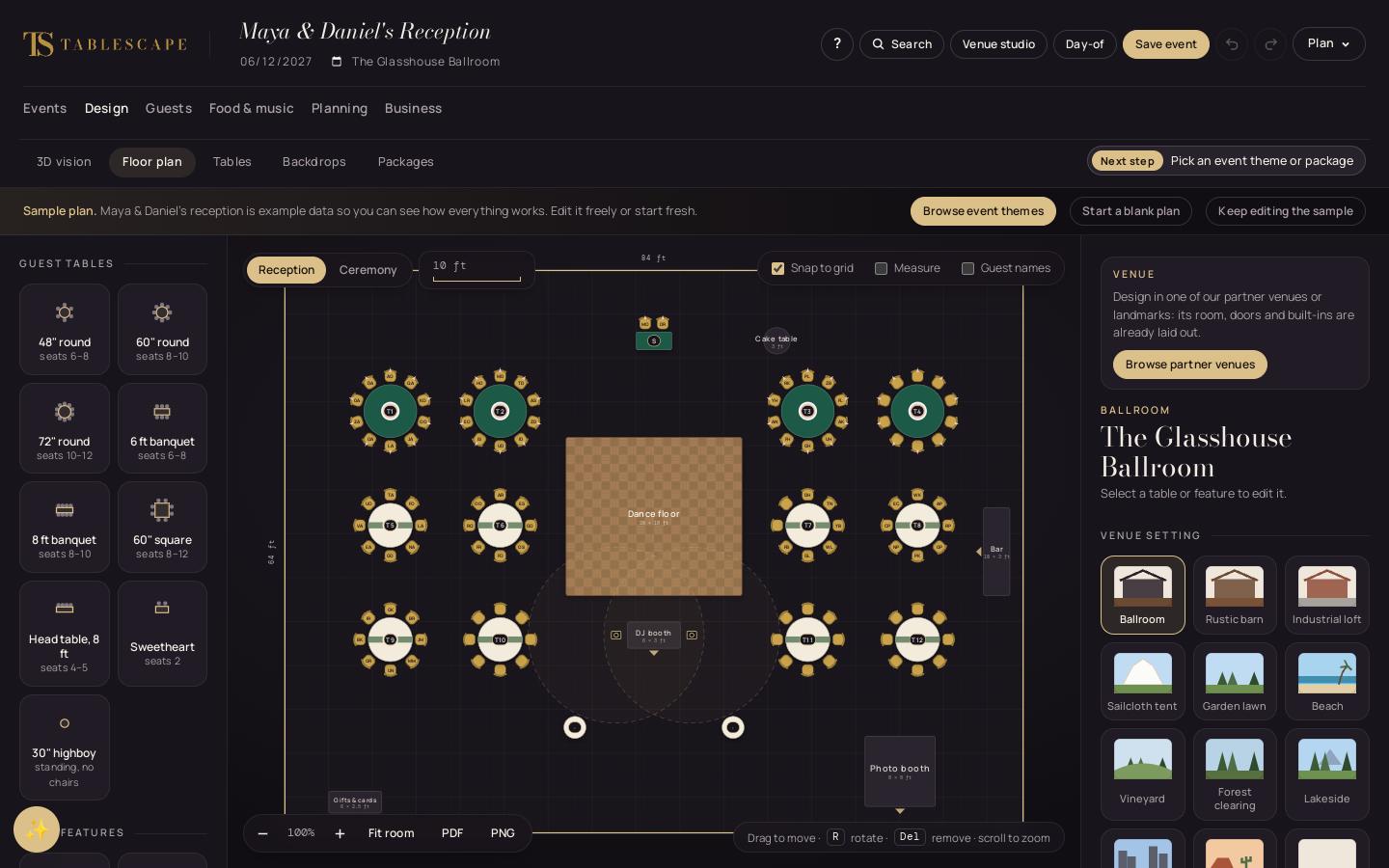
Add tables and features
- Guest tables: 48, 60 and 72 inch rounds, 6 and 8 ft banquets, 60 inch squares, an 8 ft head table, a sweetheart table and 30 inch highboys. Each shows how many it seats.
- Room features: dance floor, stage, bar, DJ booth, buffet, cake table, gifts and cards, photo booth, lounge, entrances, emergency exits, columns, power outlets, restrooms, kitchen, coat check, podium, projection screen, registration, green room and a live music spot.
- Ceremony: ceremony seating with an aisle, arch, aisle runner, pews and altar. Switch between Reception and Ceremony above the plan.
- Chairs: a single chair, a row of six, straight rows or curved rows for seminars and graduations.
Move things around
Drag to move. R rotates, the arrow keys nudge by 6 inches, Del removes and Esc deselects. Scroll to zoom, or press Fit room. Turn on Snap to grid to line things up, and use Measure to check a distance.
Seat your guests
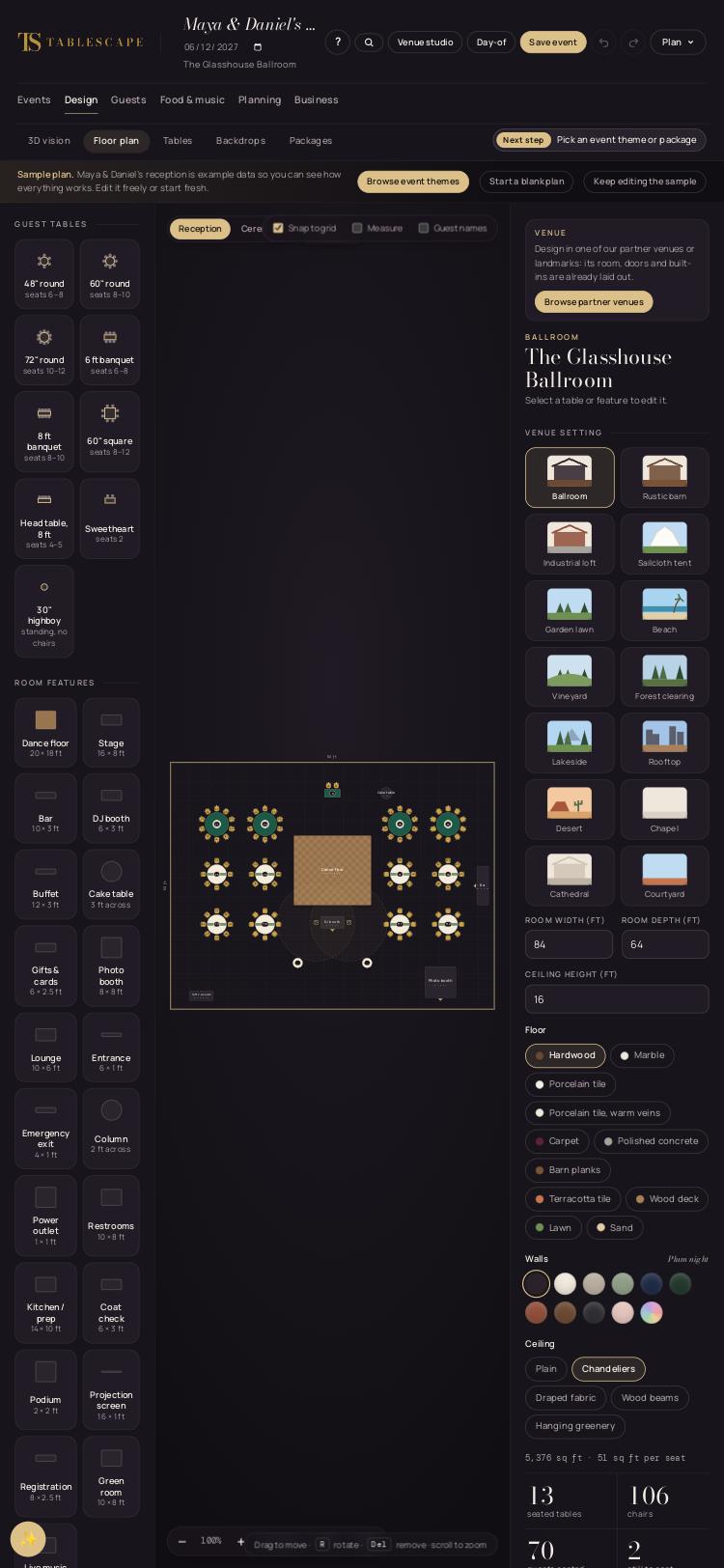
The panel under the room counts seated tables, chairs, guests seated and guests still to seat. Checks warns you about anything that needs a look, such as guests without a seat.
- Auto-seat guests fills the tables, keeping groups together.
- Click a chair to put a specific guest in it.
- Renumber tables puts the numbers back in order after you move tables around.
- Turn on Guest names to see who sits where on the plan.
Share or print it
Press PDF or PNG above the plan for a copy to send to the venue, the rentals company or the client. Escort cards, place cards and the seating chart sign use the same seats.