Spanish for clients, guests and staff
Which pages open in Spanish, how to set a client's language, and bilingual invitations.
Tablescape is built for venues whose clients, guests and crews speak Spanish. Your team's screens and the pages other people open can each be in Spanish.
Your team's screens
Each person picks their own language: open the Plan menu and choose Idioma: English · Español, or use the Language card under Events Staff & company. The first time, Tablescape follows the language of your phone or computer. Signed in, the choice is saved to your account, so it follows you to your other devices and to the emails Tablescape sends you.
Pages your clients, guests and staff open
- Client link: menus, cake, bar, guests, contract signing, payments and messages. Set the language under Client language on the proposal (their phone's language, English or Español). There is an EN and ES switch on the page.
- Proposal messages: Save and send writes the email, text or WhatsApp in the client's language.
- Invitations: wording in English, Español or bilingual, and the printed pieces follow it. The guest's digital invitation has Español and English on the envelope.
- Guest RSVP and tickets, and the event website.
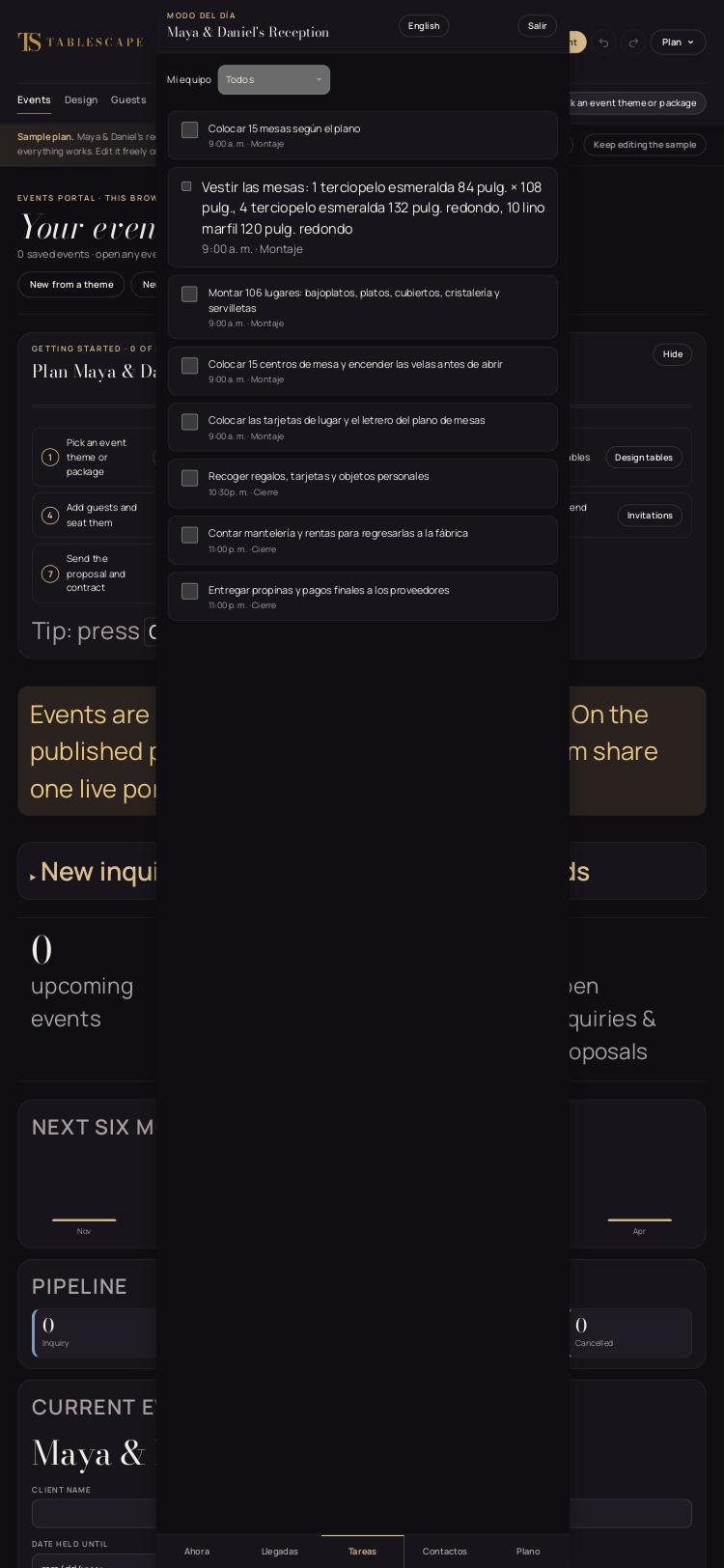
- Day-of mode and staff links, with an Español button remembered on each phone.
- Receipts and invoices, and the BEO heading.
- Easy mode, including the team welcome.
- Loading and error screens on every link ("Cargando su evento", "Esta página no pudo cargarse").
Tip. A dish picked in Spanish still saves as the dish on your menu, so the kitchen sheet always matches.