Use Tablescape on your phone
Get the iPhone app, or open Tablescape in your phone's browser, and keep working when the signal drops.
On iPhone, get Tablescape Studio from the App Store. The Android app isn't out yet, so on Android use Tablescape in Chrome. In a browser, the same address works on a laptop, a tablet and a phone.
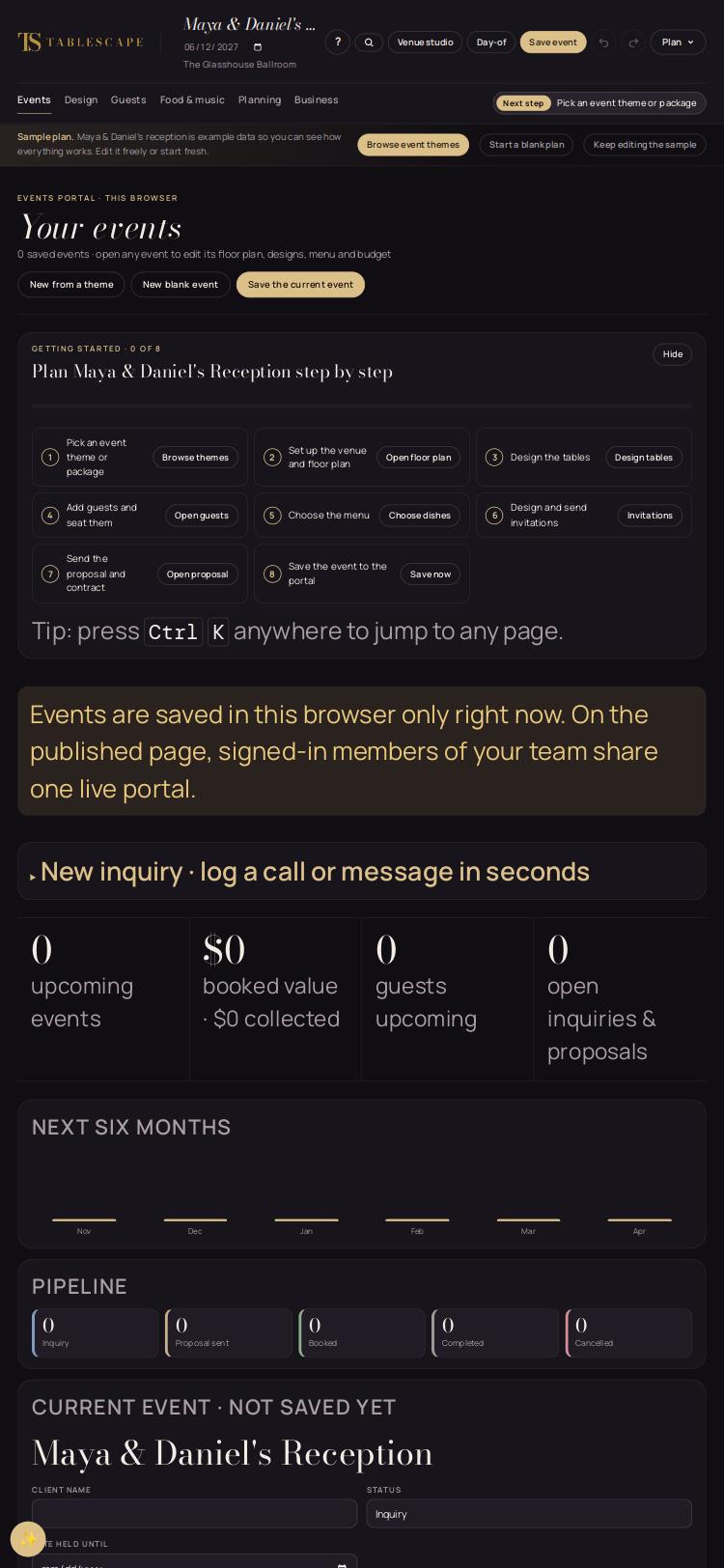
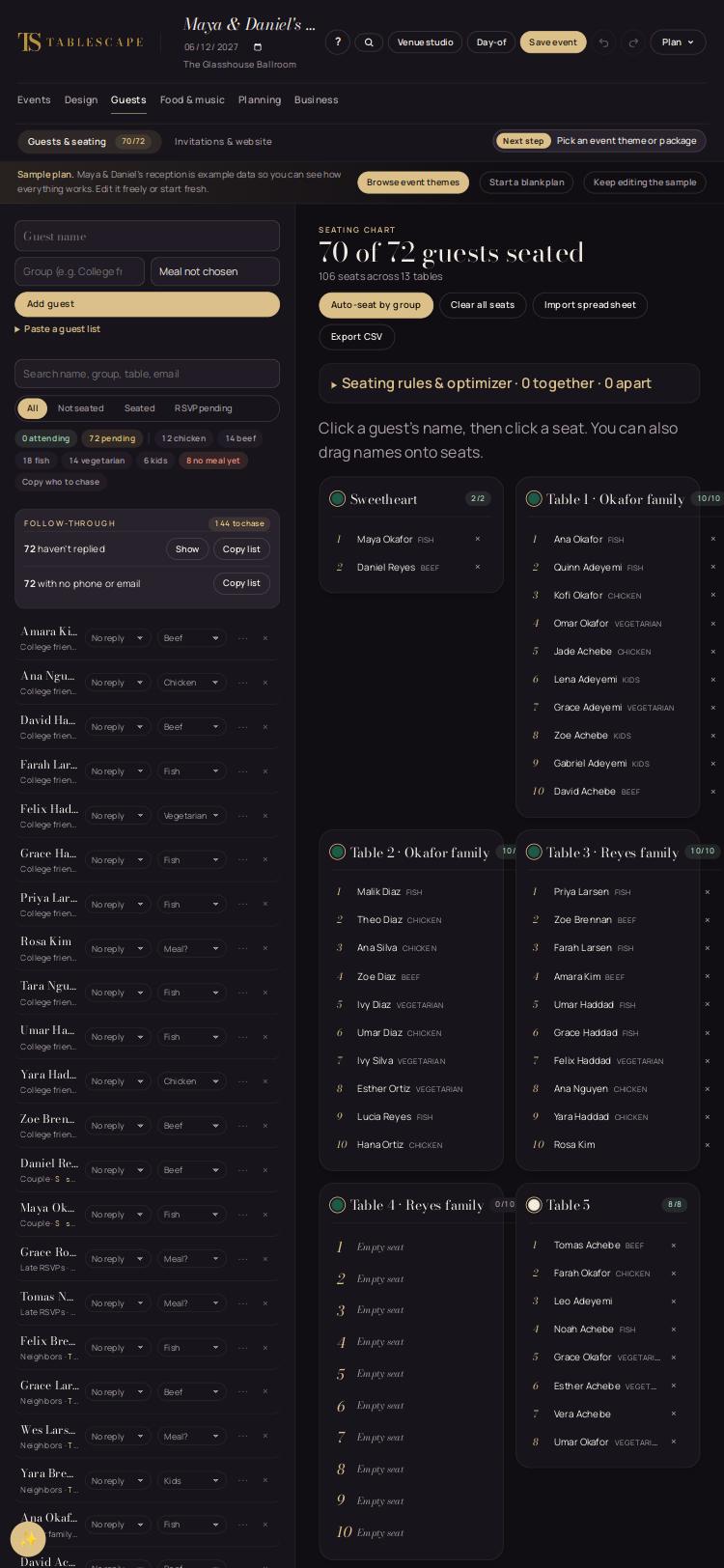
Or add the web app to your home screen
- iPhone: open app.tablescape.vip in Safari, tap Share, then Add to Home Screen.
- Android: open it in Chrome, tap the menu, then Add to Home screen or Install app.
It opens full screen with the Tablescape icon, like any other app.
With no signal
After your first visit, the phone keeps a copy of the app, so a second visit opens even with no signal. Day-of mode and staff links open from their saved copy and say when they were last updated; check-ins and ticks wait on the phone and are sent when the signal returns. A guest's saved tickets show with no signal too.
A new version
When we release an update, a small bar says A new version is ready. Press Reload when it suits you, or Not now to finish what you are doing.
Tip. The floor plan and 3D view work on a phone, but a laptop is easier for drawing a full room. Phones draw the 3D only while it is on screen, so they stay cool.