Build and send a proposal
Check the Before you send list, add inspiration and 3D renders, choose the client's language and send it by email, text or WhatsApp.
Business Proposal and billing has six tabs: Proposal, Approvals, Contract, Payments, Final details and Messages. The proposal is built from the event itself: the vision, stationery, menu, cake and bar, floor plan and the price.
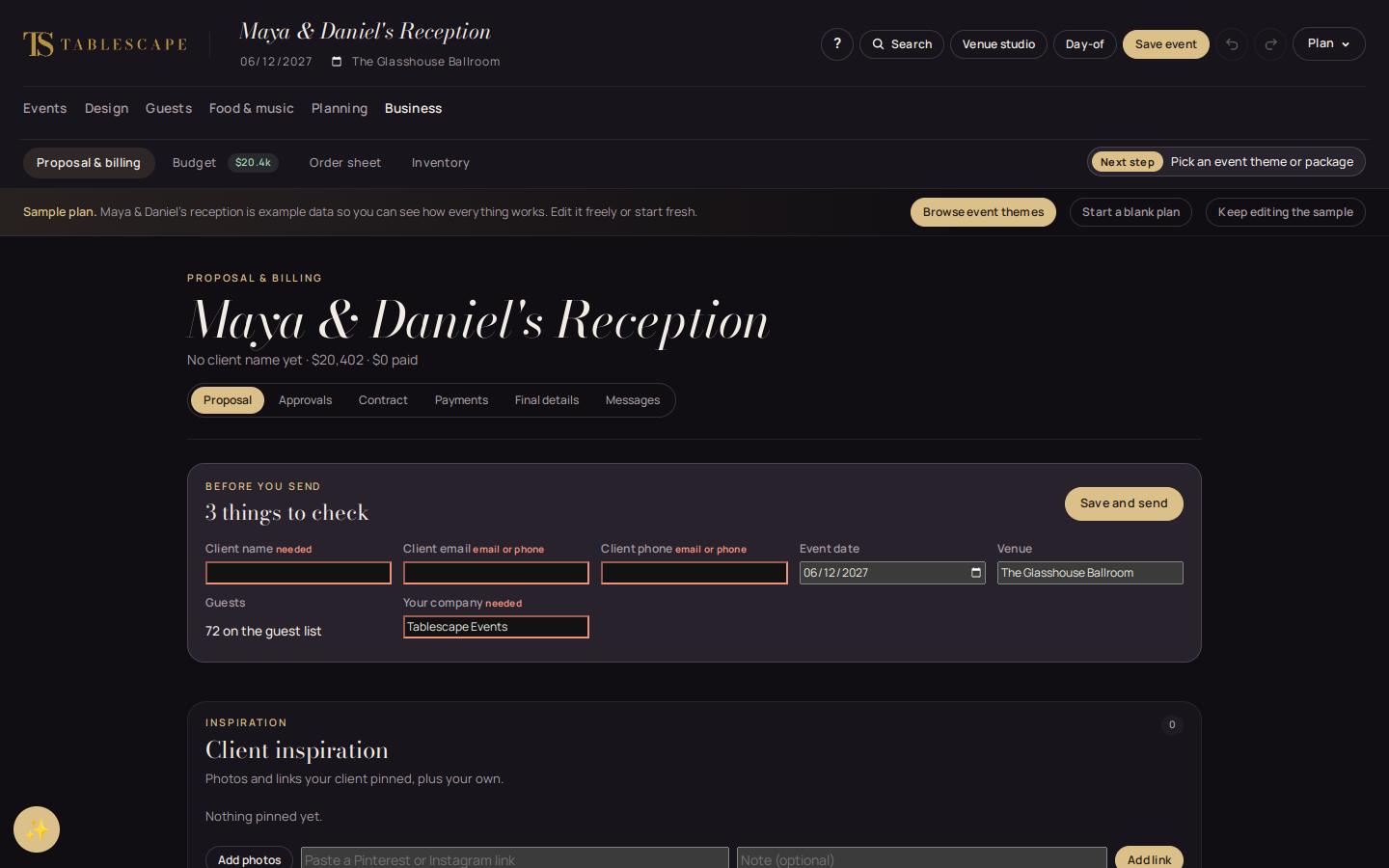
Before you send
The Before you send list checks the client name, an email or phone, the event date, the venue, the guest count and your company name. Fix anything it flags; a missing date gets its own warning.
Make it yours
- Inspiration: photos and links your client pinned, plus your own. Use Add photos or Add link.
- Add 3D renders from Venue design.
- Client language: their phone's language, English or Español. Their page and messages follow it.
Send it
- Save the event. The client link is ready right after the first save.
- Press Save and send.
- Choose Email, Text, WhatsApp or Copy. The message is written in the client's language and includes their link.
Or press Download proposal PDF for a copy to attach yourself.
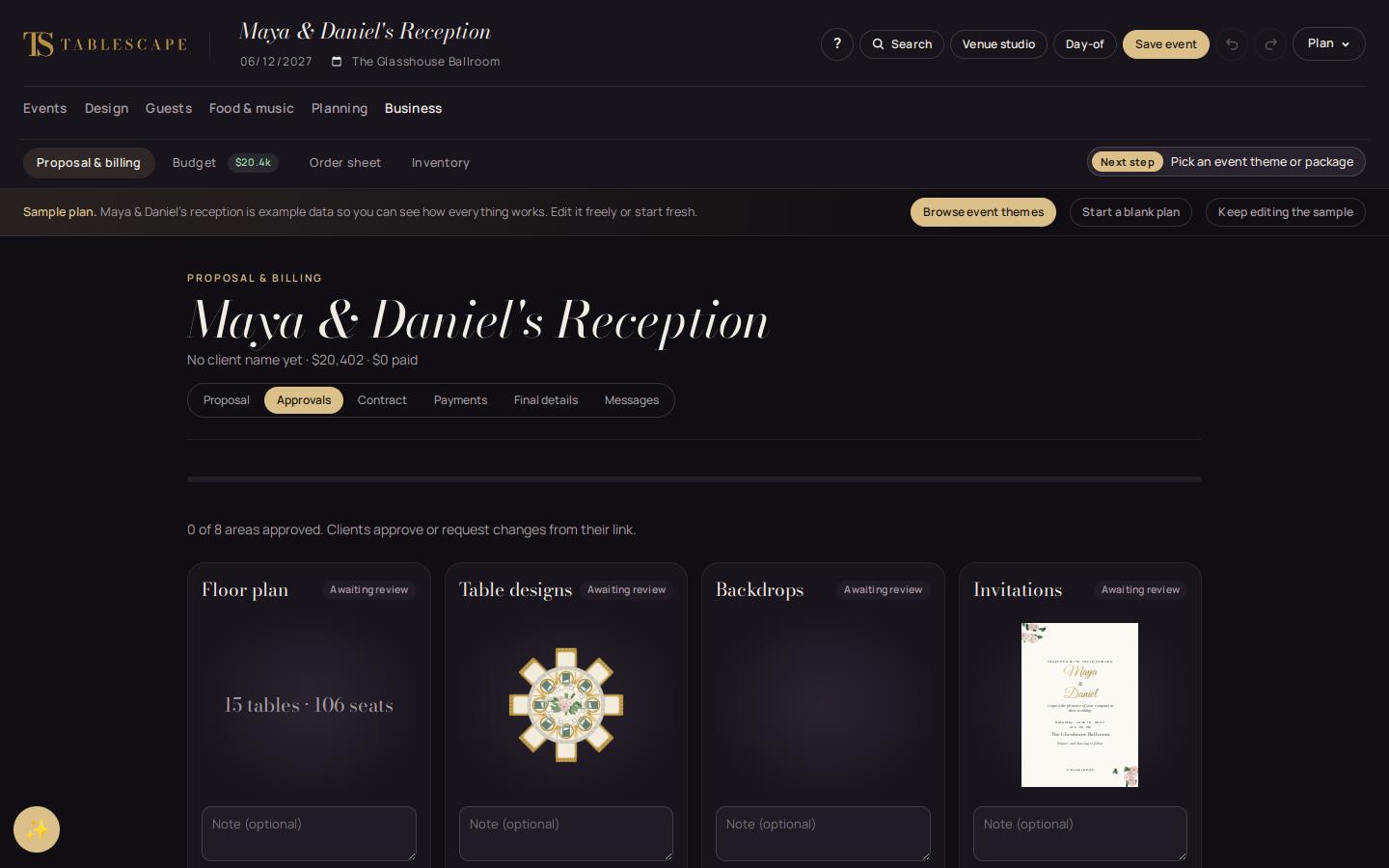
Approvals
The Approvals tab lists each area your client reviews: floor plan, table designs, backdrops, invitations, dinner menu, cake, bar and music. Clients approve or request changes from their link, and you see each answer here.