The contract and e-signature
Turn on the standard clauses you use, add your own terms and let the client sign on their link.
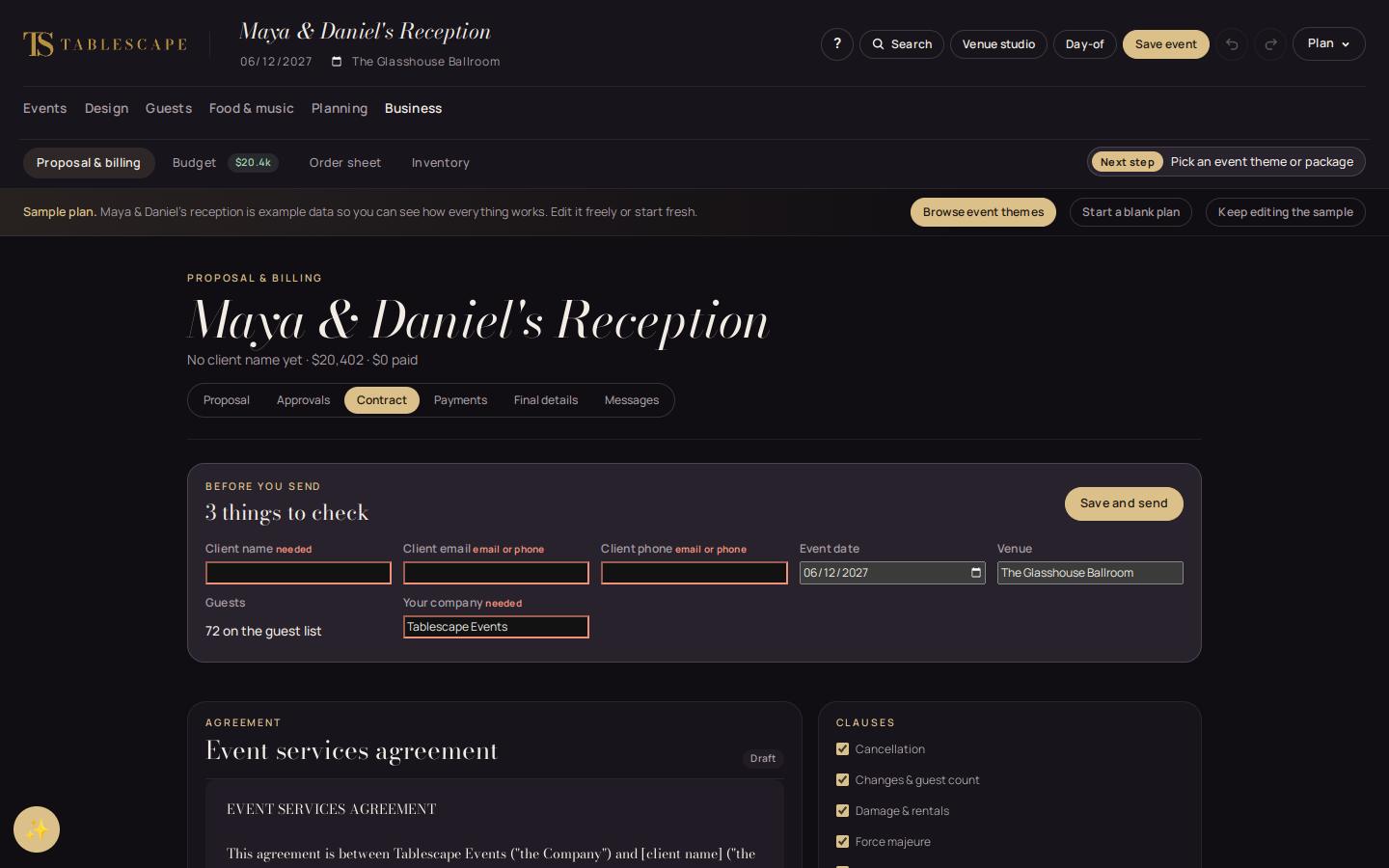
The Contract tab drafts an event services agreement between your company and the client, filled in with the event name, date, venue, guest count, total and payment schedule.
What it covers
Services, fees and payment dates (taken from the payment schedule), and standard clauses you can turn on: cancellation, changes and guest count, damage and rentals, force majeure, photo release and alcohol. Write anything specific to this event under Additional terms.
Signing
Your client reads the agreement on their client link, sees a summary with the total and the deposit, and signs in the e-signature box. The page waits until the server confirms before it shows the agreement as signed, and then shows the deposit as the next step.
Good to know. The clauses are a starting point, not legal advice. Have your own lawyer review the wording you use.