Use Easy mode
A simple version of the whole app with one question per screen, big picture buttons and plain words, in English or Spanish.
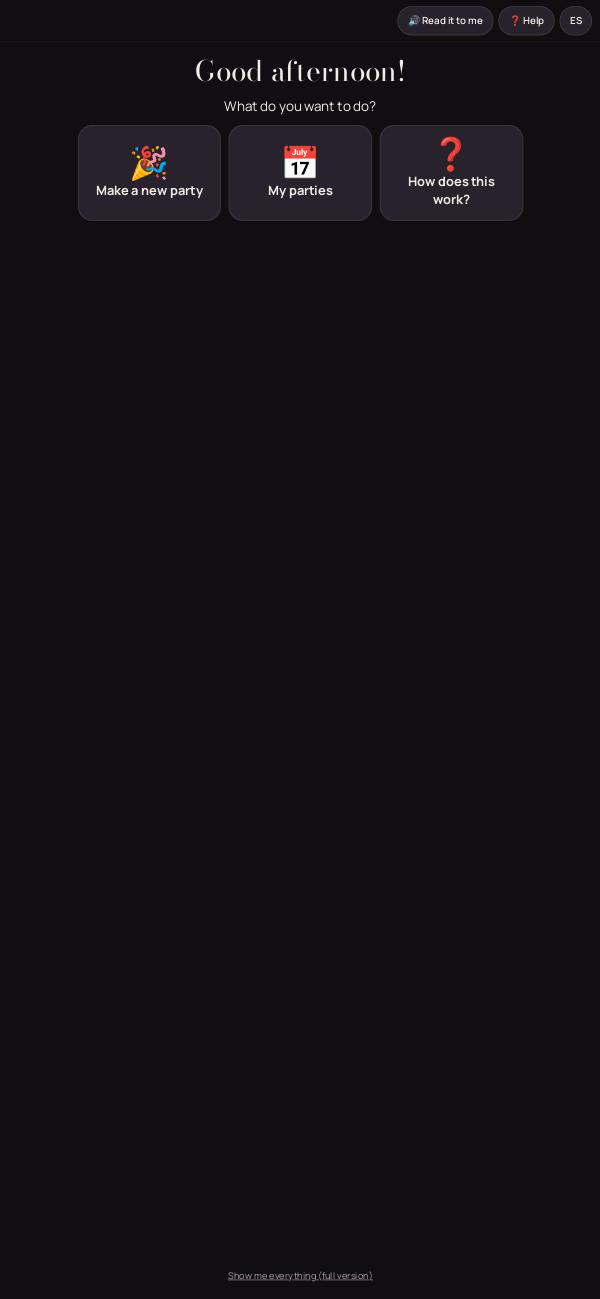
Easy mode is for anyone on your team who would rather not learn the full studio. It asks one question per screen with large picture buttons, in English or Spanish.
Turn it on
Open the help menu (? at the top) and choose Easy mode, or choose it on the first screen of a new event. To go back, press Show me everything.
What you can do
- Make a party in six small steps: the kind of party, colors, how many people, the day, whose party it is, and confirm. The full studio builds the tables, the look and the plan from those answers.
- Do this next: each party has a card with the single most useful next step, plus big buttons for Guests, Money, Messages, See it in 3D, Send to my client and Day of.
- Help on every screen: Back, Home, Read it to me (the phone reads the screen aloud), Help and a language switch.
Good to know. Easy mode works on the same events as the full studio. Anything you make there shows up in the full view too.