Start your free trial and name your company
Create your account, name your company workspace and see what the 30-day trial of Signature includes.
Tablescape runs in your browser at app.tablescape.vip. You don't need to download anything, and the trial needs no card.
Create your account
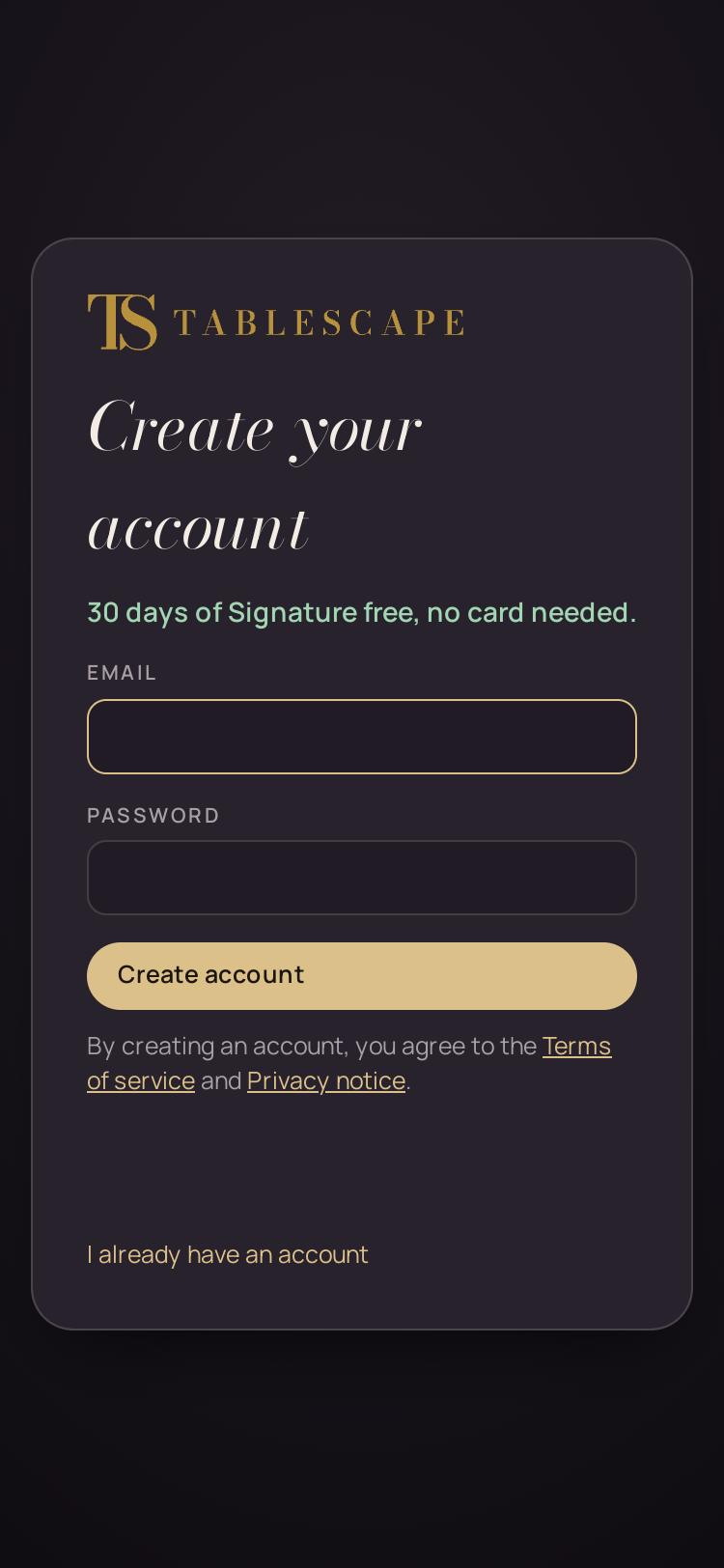
- Open app.tablescape.vip/#signup, or press Start free trial anywhere on tablescape.vip.
- Enter your email and a password. New passwords are checked against a list of passwords that have leaked in data breaches; if yours is on it, the card asks for another one.
- Read the line about the terms of service and the privacy notice under the button. Creating the account means you agree to them.
- Name your company. This is your workspace: your team, events, menus and venues live inside it. The card shows the 30-day free trial of Signature.
What happens next
The first time you open your workspace, a short welcome uses your company name and a trial bar shows how many days are left. The sample wedding, Sample Wedding Reception, is open so you can try every screen without touching real data. A banner marks it as the sample.
Your trial is the full Signature plan for 30 days, one trial per company. When it ends, your workspace moves to Free and keeps everything. You can keep working on one active event at a time; the others stay viewable and exportable until you subscribe or archive them.
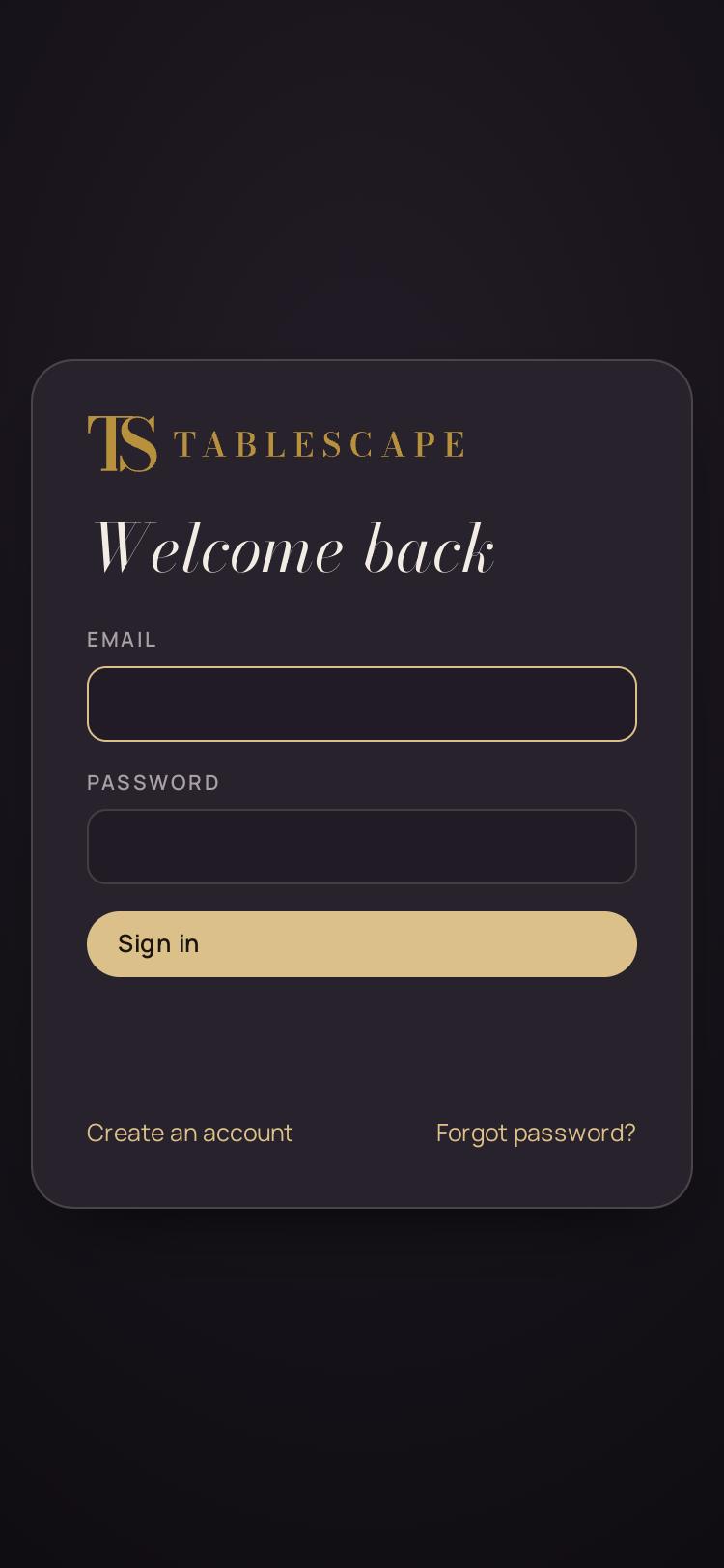
Tip. Forgot your password? Use the reset link on the sign-in card. It opens a Choose a new password screen, which runs the same leaked-password check.
Next
Set up your rooms in Set up your venue and rooms, then plan your first event with Plan your first event from a theme or package.