Build your guest list and track RSVPs
Add guests, set meals and groups, see who has replied, and copy the list of who to chase.
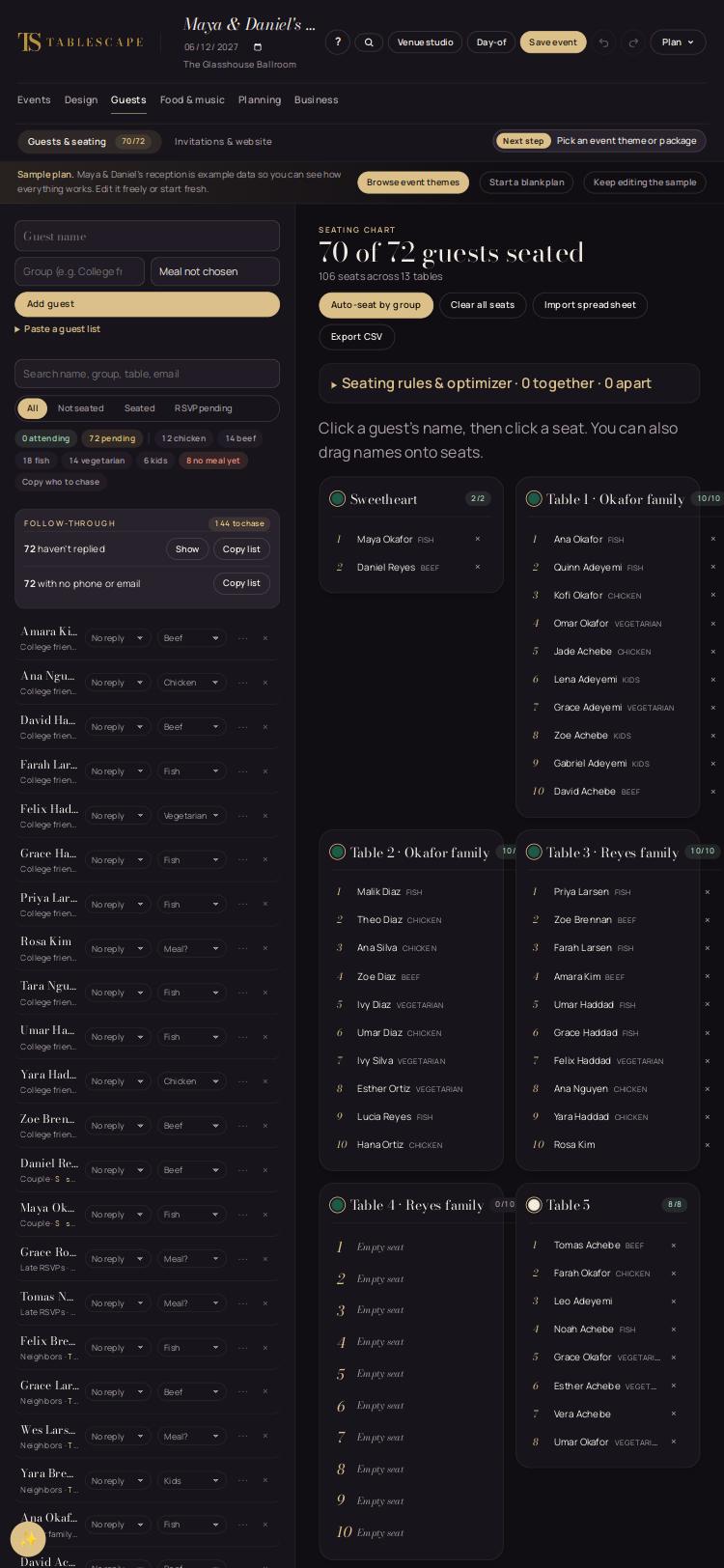
Guests Guests and seating holds every guest with their group, table and seat, RSVP and meal.
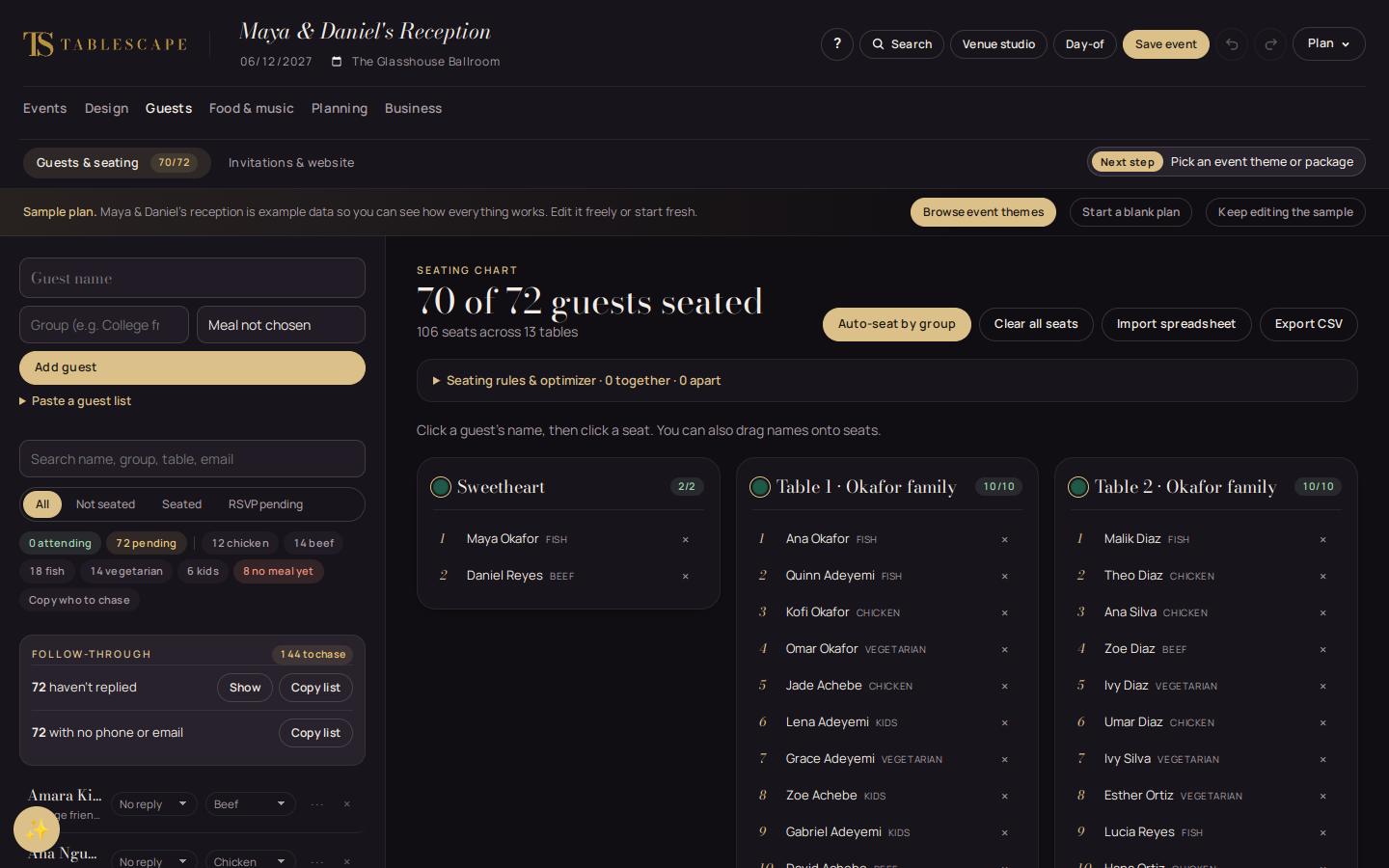
Add guests
- Add guest for one at a time.
- Paste a guest list to paste names in one go.
- For a spreadsheet with emails, phones and meals, use the importer: see Import a guest list from a spreadsheet.
Each guest can be marked Attending, No reply or Declined, with a meal (the main courses you picked on the menu, or kids). Guests in the same group are kept together when you auto-seat.
Who still needs a nudge
The Follow-through panel counts who hasn't replied and who has no phone or email, with Copy list for each. Copy who to chase gives you a list to send your client. Filters at the top show everyone, not seated, seated or RSVP pending.
RSVPs come in on their own
Each guest's personal invitation link opens an RSVP page for their household. When they answer, their reply, meal and song request reach the guest list. Reminders for guests who haven't replied are set in Guests Invitations and website Reminders.
Tip. Lock the final guest count when the client confirms it (Planning, Check-in, or Proposal and billing, Payments). After that, the kitchen sheet, caterer list and order sheet use the locked number and late declines no longer lower it.