Design and send invitations, tickets and the event website
Design the stationery suite, send personal invitation links, turn on entry tickets and share the event website.
Guests Invitations and website has four tabs: Design, Guests and sending, Reminders and Website.
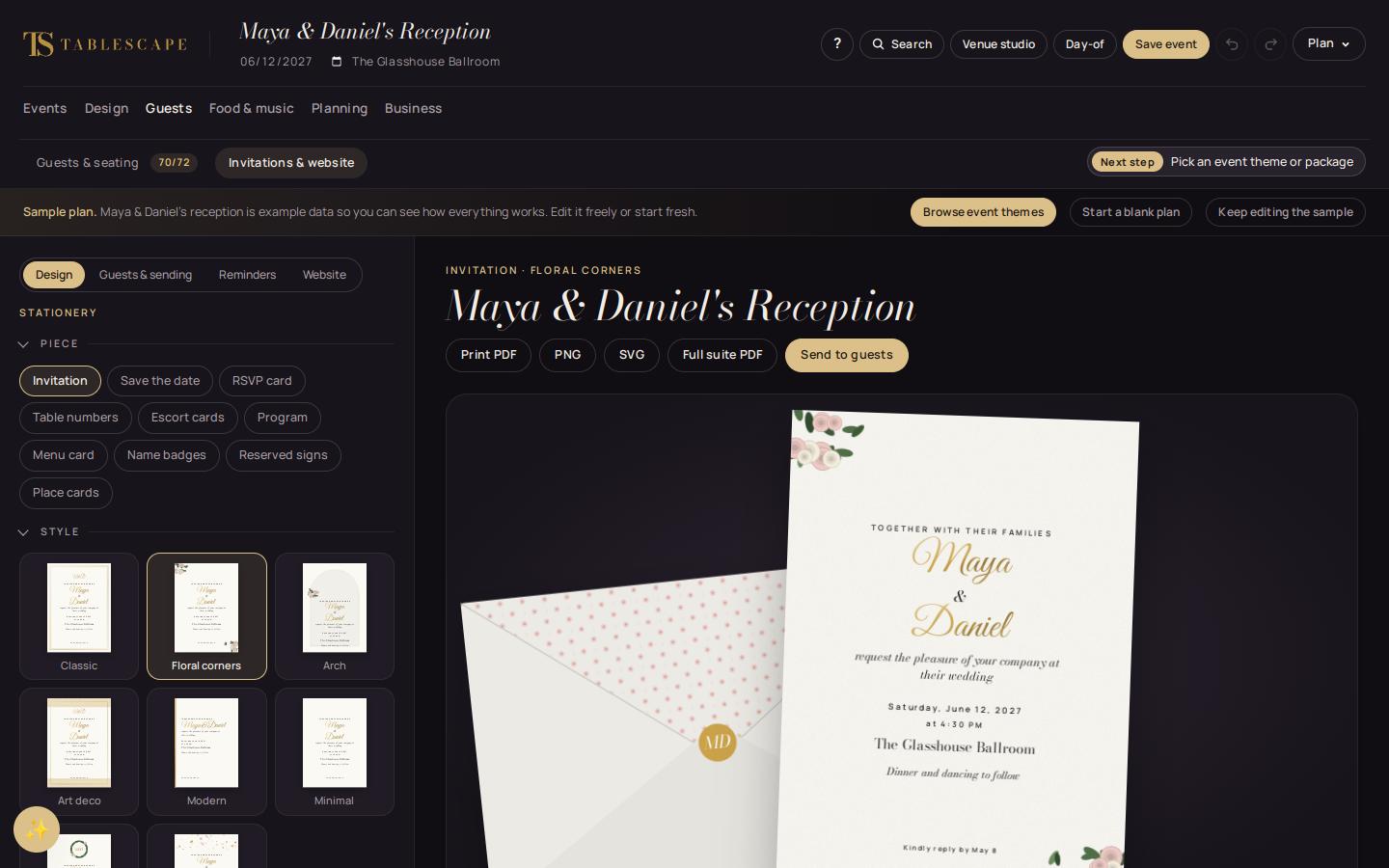
Design the suite
Pick a piece (invitation, save the date, RSVP card, table numbers, escort cards, program, menu card, name badges, reserved signs or place cards), then a style, paper, ink and foil colors, the names typeface and an envelope liner. The wording can be English, Español or bilingual. Print a PDF, PNG or SVG, or the full suite as one PDF.
Send to guests
Every guest gets a personal link. Under Guests and sending, send each one by text, WhatsApp, email, copy or share from your own phone or email. The list marks who has been sent one. For many at once, copy all messages or download a mail-merge list.
Your client can do the same from their client link, with their own guest list. Tablescape does not send invitation emails itself; they go out from your phone or email, or your client's.
Entry tickets
Set Tickets to on or Required at the door. Guests who say yes get a QR ticket for each person attending, and door staff scan them on the night. For guests without a phone, print the ticket sheet (six to a page). See Door check-in and tickets.
The event website
The Website tab gives the event its own page with the date, the venue map and the schedule. Guests type their name to find their table and RSVP link; the guest list itself never appears on the page. Guests can request songs, which arrive in Food and music Music and lighting. Copy the link with Copy website link. Website links stop working 60 days after the event.