Manage events in a list, a pipeline or a calendar
See every event as a list, a pipeline by status, a client list or a calendar, and read your booked value and reports.
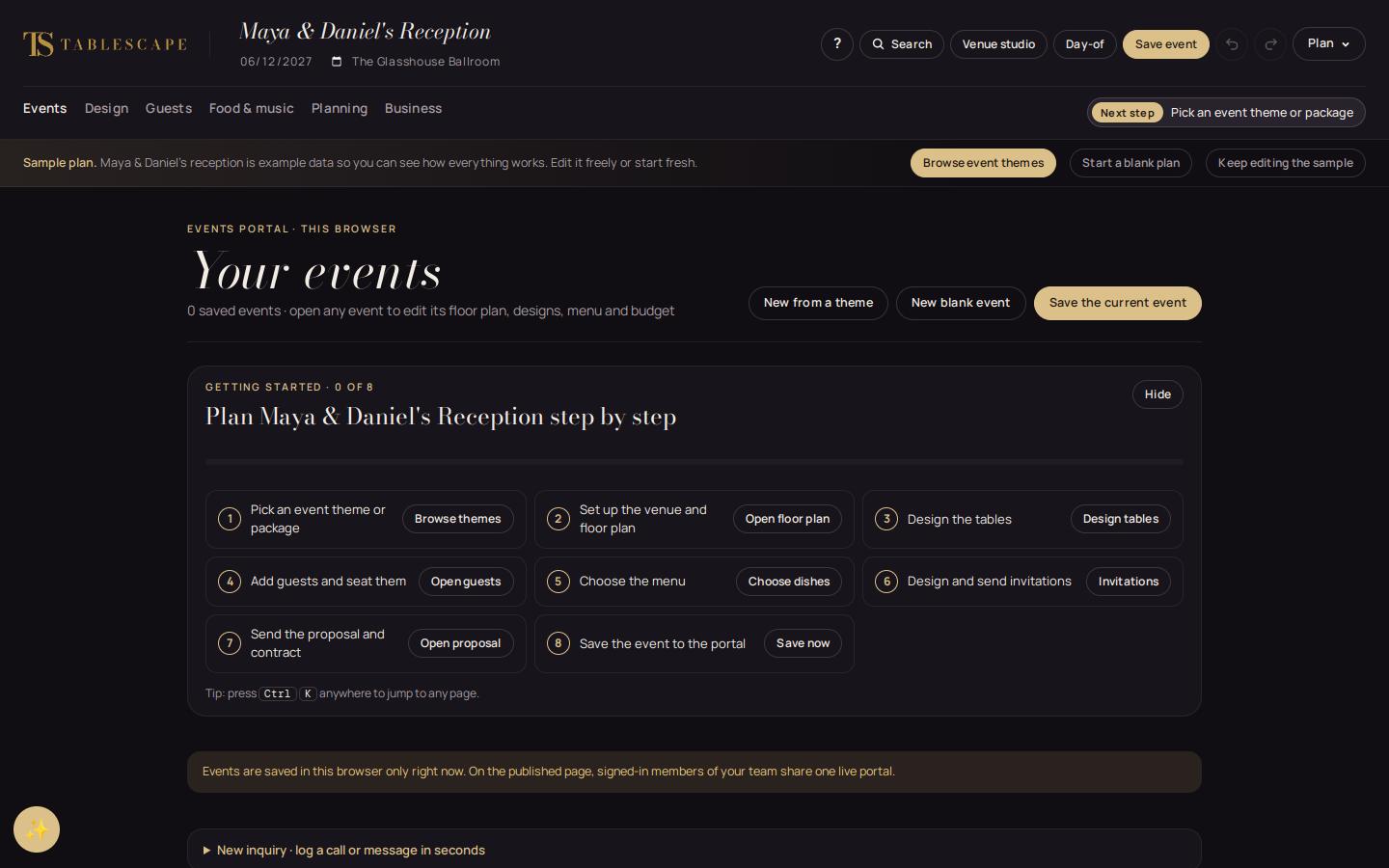
Events All events is where your whole business shows at once. The top line counts upcoming events, booked value and how much is collected, guests upcoming and open inquiries and proposals, with the next six months below.
Five ways to look
- List
- Sort by recently edited, event date or name, and group by event type, status, venue, city, setting, month or client.
- Pipeline
- Columns for Inquiry, Proposal sent, Booked, Completed and Cancelled.
- Clients
- Everyone you have worked with and their events.
- Calendar
- Every dated event by month, with holidays marked so you see a busy weekend coming. Download calendar saves the dates for any calendar app; for a calendar that updates itself, see Add your events to your calendar.
- Reports
- Money owed across all events with a 90-day cash forecast, why leads were lost, and the cost rates the budget uses for profit.
Statuses and holds
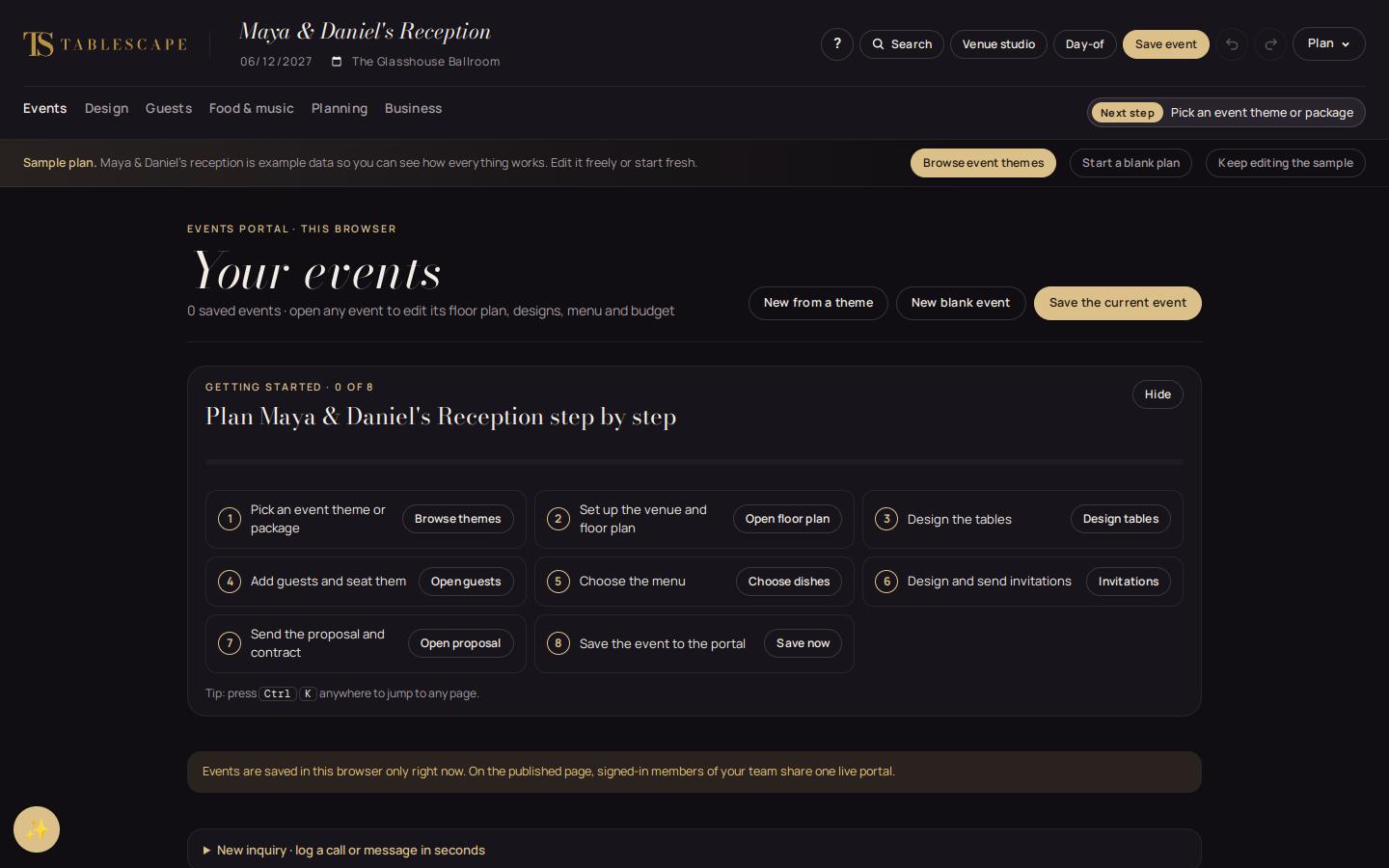
Change an event's status under Current event. A held date shows Date held until; Hold 2 weeks sets it two weeks out so you can follow up before it lapses.
Tip. The vendor directory on the same page keeps your preferred vendors for the whole team. Add one to the current event in a single click.